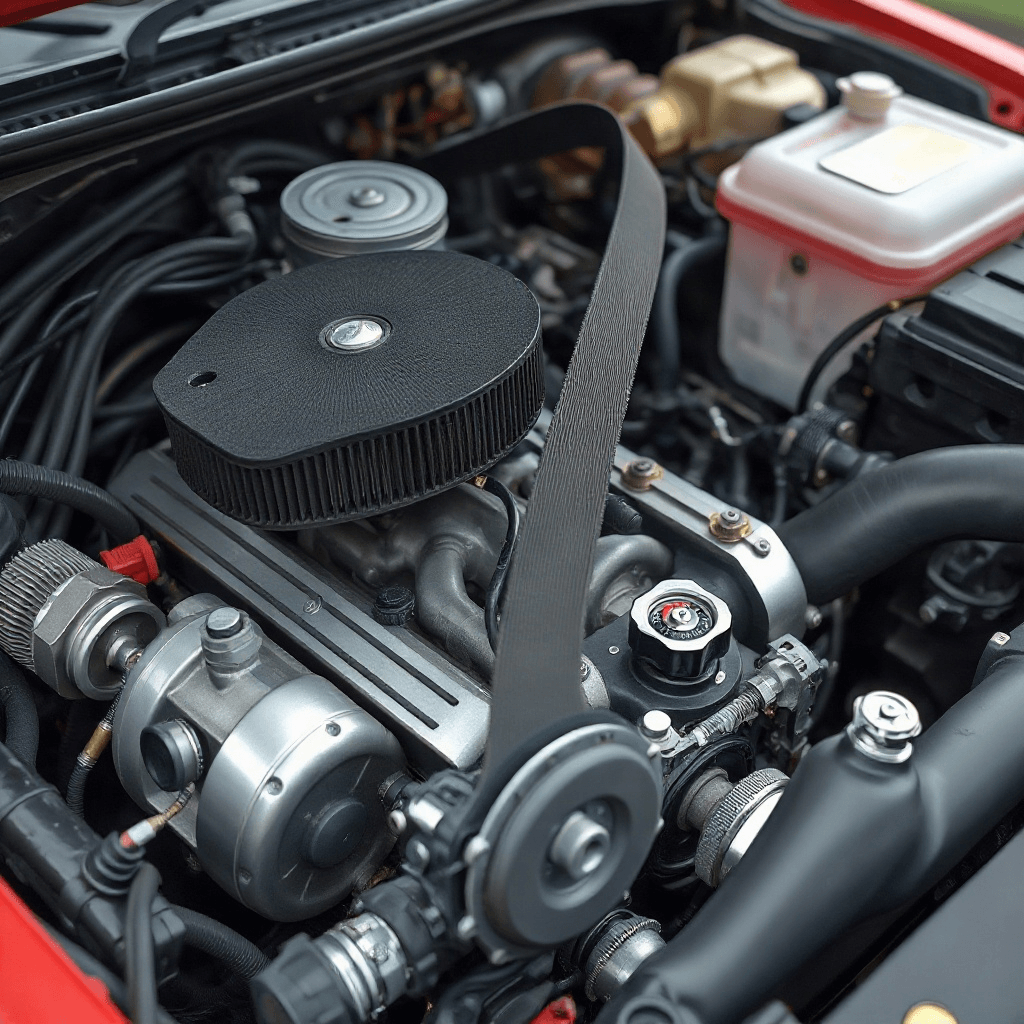
How to Check OBD-II Readiness Monitors After a Repair
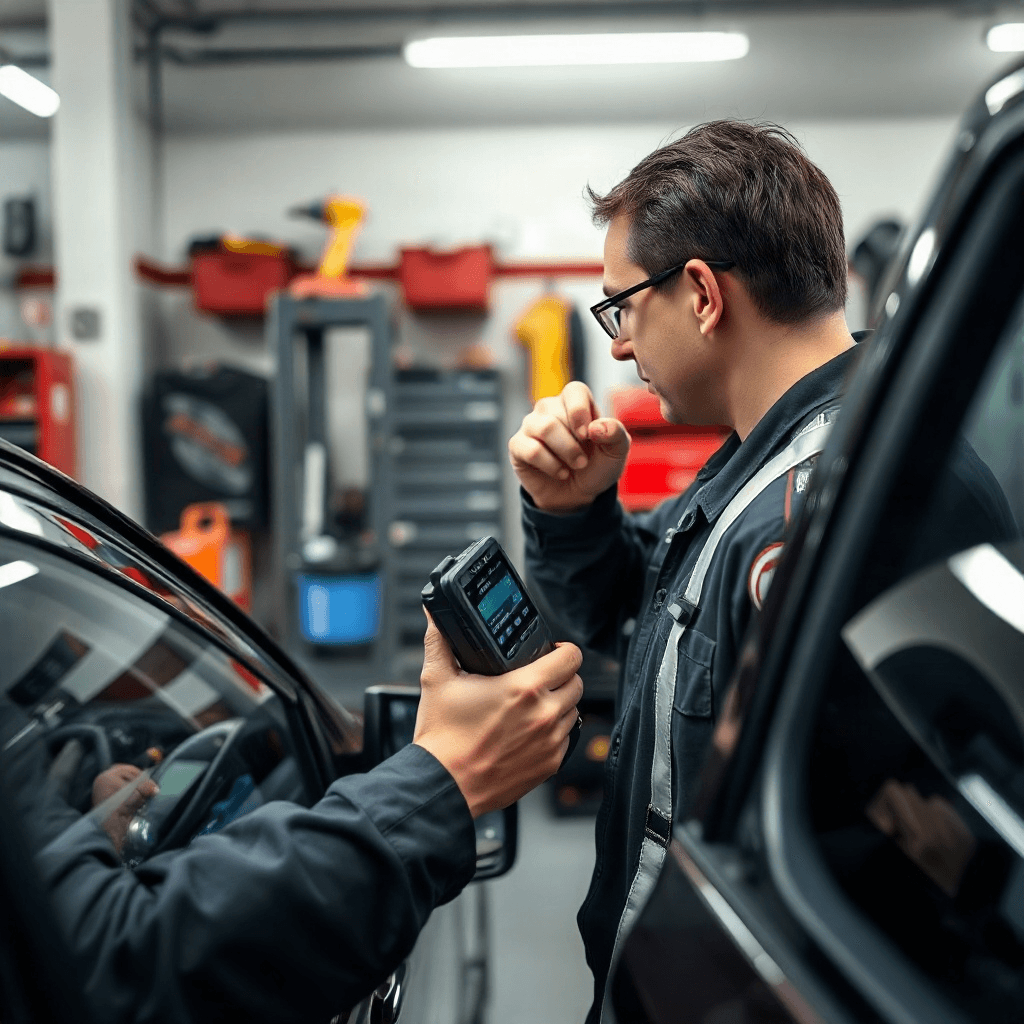
Checking the OBD-II readiness monitors after a repair is a crucial step in ensuring that a vehicle is functioning correctly and is compliant with emission standards. The On-Board Diagnostics II (OBD-II) system is an essential component of modern vehicles, designed to monitor various systems and components for any malfunctions. After a repair, it’s important to verify that all readiness monitors are reset and functioning properly, as this will impact both vehicle performance and environmental compliance. In this review, we will explore the process of checking OBD-II readiness monitors, the importance of these monitors, and how they can affect a vehicle’s operation and emission standards.
Understanding OBD-II Readiness Monitors
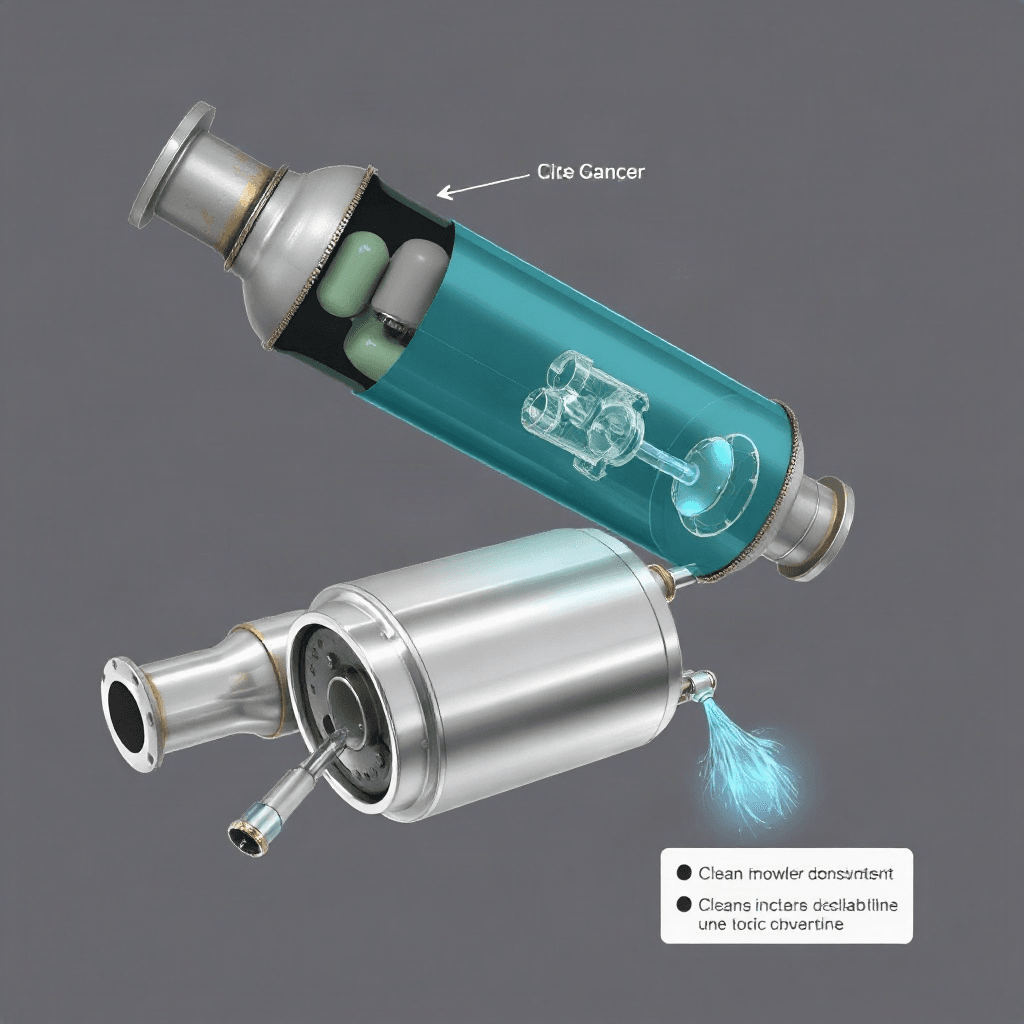
The OBD-II system is equipped with readiness monitors that track the performance of specific vehicle systems, such as the catalytic converter, oxygen sensors, and evaporative emission control system. These monitors are crucial for ensuring that a vehicle meets emission standards and operates efficiently. After a repair, it’s essential to check these monitors to confirm that they are set to “ready” status. A “not ready” status indicates that the monitor has not completed its tests, which can be due to recent repairs or insufficient driving cycles. Understanding how these monitors work is vital for technicians and vehicle owners to ensure compliance and optimal performance.
Importance of Performing a Drive Cycle
A drive cycle is a specific sequence of driving conditions that allows the OBD-II system to monitor and evaluate the readiness of various systems. Performing a drive cycle after a repair is crucial to reset the readiness monitors to a “ready” state. This process involves operating the vehicle under specific conditions, such as highway driving, idling, and acceleration, to allow the OBD-II system to complete its tests. By doing so, technicians can ensure that all systems are functioning correctly and that the vehicle will pass an emissions test. Understanding and executing the correct drive cycle is essential for resetting readiness monitors effectively.
Tools Required for Checking Readiness Monitors
To check the status of OBD-II readiness monitors, specific tools are required. An OBD-II scanner is the primary tool used to access the vehicle’s diagnostic system and read the status of the readiness monitors. These scanners can be standalone devices or software applications that connect to a smartphone or tablet. They provide detailed information about each monitor’s status, allowing technicians to determine whether further action is needed. Additionally, understanding how to interpret the scanner’s data is crucial for diagnosing and resolving any issues that may arise. Investing in a quality OBD-II scanner is essential for accurate diagnostics and repair verification.
Common Challenges in Verifying Monitor Status
Verifying the status of OBD-II readiness monitors can present several challenges. One common issue is incomplete drive cycles, which result in monitors remaining in a “not ready” state. This can occur if the vehicle hasn’t been driven under the specific conditions required to complete the tests. Additionally, some monitors may require multiple drive cycles to reset, which can be time-consuming. Another challenge is identifying and resolving any underlying issues that prevent monitors from reaching a “ready” status. Technicians must be skilled in diagnosing and addressing these problems to ensure accurate and efficient repairs.
Impact of Readiness Monitors on Emission Testing
Readiness monitors play a critical role in determining whether a vehicle will pass an emission test. If any monitors are in a “not ready” state, the vehicle may fail the test, resulting in delays and potential penalties. Emission testing centers rely on the OBD-II system to assess compliance with environmental standards, making it essential for technicians to verify monitor status after repairs. Ensuring that all monitors are set to “ready” status is crucial for avoiding test failures and ensuring that the vehicle meets regulatory requirements. By understanding the impact of readiness monitors on emission testing, vehicle owners can avoid unnecessary complications and maintain compliance.
Best Practices for Ensuring Monitor Readiness
To ensure that OBD-II readiness monitors are set to “ready” status, following best practices is essential. This includes performing the correct drive cycle, using a reliable OBD-II scanner, and addressing any underlying issues promptly. Regular maintenance and servicing can also help prevent monitor-related issues by keeping the vehicle’s systems in optimal condition. Technicians should stay informed about the latest diagnostic techniques and tools to provide accurate and efficient service. By adhering to these best practices, vehicle owners and technicians can ensure that readiness monitors are reset correctly and that vehicles operate smoothly and in compliance with emission standards.