Crash Data Stored in Airbag Module: How to Clear It
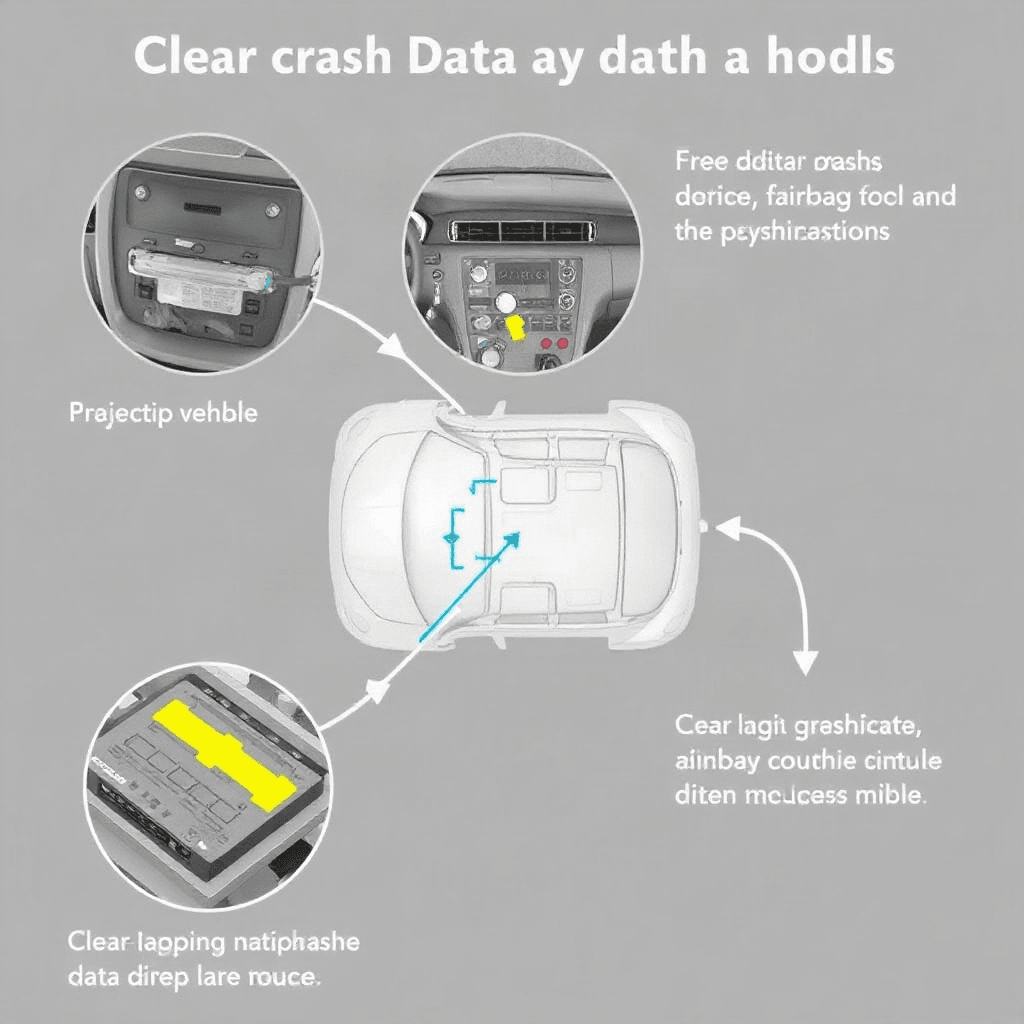
Car accidents can be a traumatic experience for anyone involved. In the event of a crash, modern vehicles are equipped with airbag modules that store crucial crash data. This data can be used for accident reconstruction and insurance claims. However, there are times when you may need to clear this crash data from the airbag module. In this guide, we will walk you through the process of clearing crash data stored in the airbag module.
Understanding the Airbag Module
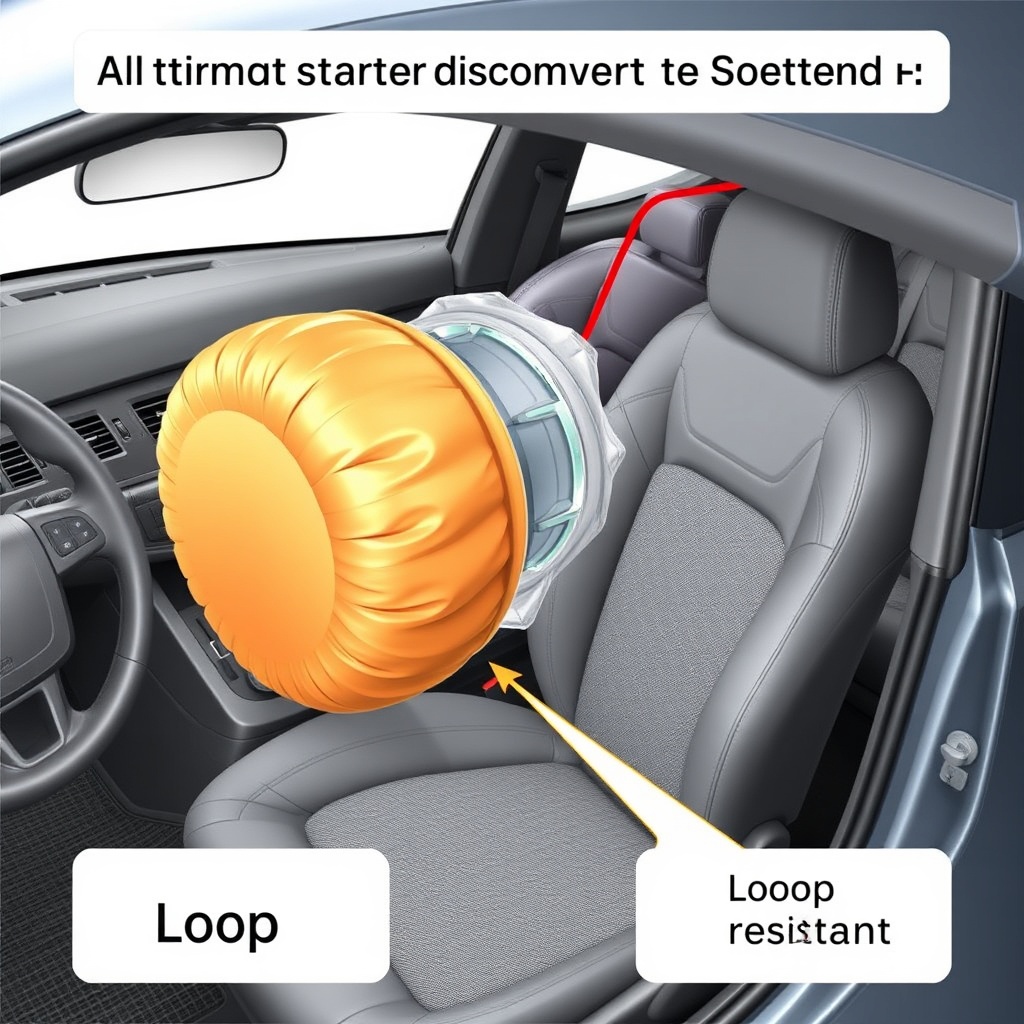
The airbag module, also known as the airbag control unit, is a critical component of a vehicle’s safety system. It is responsible for deploying the airbags in the event of a crash. The module also stores crash data, including impact speed, seatbelt usage, and airbag deployment timing. This data is crucial for determining the severity of the crash and ensuring that the airbags deploy correctly.
Reasons to Clear Crash Data
There are several reasons why you may need to clear crash data from the airbag module. One common reason is when you have repaired or replaced a component related to the airbag system, such as the airbag itself or the seatbelt pretensioners. In such cases, clearing the crash data is essential to ensure that the new components are functioning correctly. Additionally, clearing crash data may be necessary to pass a state inspection or comply with insurance requirements.
Tools Needed for Clearing Crash Data
Before you begin the process of clearing crash data from the airbag module, you will need to gather the necessary tools. These may include a diagnostic scanner compatible with your vehicle’s make and model, as well as the appropriate software for accessing the airbag module. It is essential to use the correct tools to avoid causing further damage to the airbag system.
Steps to Clear Crash Data
1. Start by locating the airbag module in your vehicle. It is typically located under the driver’s seat or in the center console.
2. Use the diagnostic scanner to establish a connection with the airbag module. Follow the on-screen prompts to access the crash data stored in the module.
3. Once you have accessed the crash data, look for the option to clear or reset the module. This option may be labeled differently depending on the diagnostic scanner you are using.
4. Follow the instructions on the diagnostic scanner to clear the crash data from the airbag module. Be sure to confirm the action before proceeding.
5. After the crash data has been cleared, disconnect the diagnostic scanner from the airbag module and reinstall any components that were removed during the process.
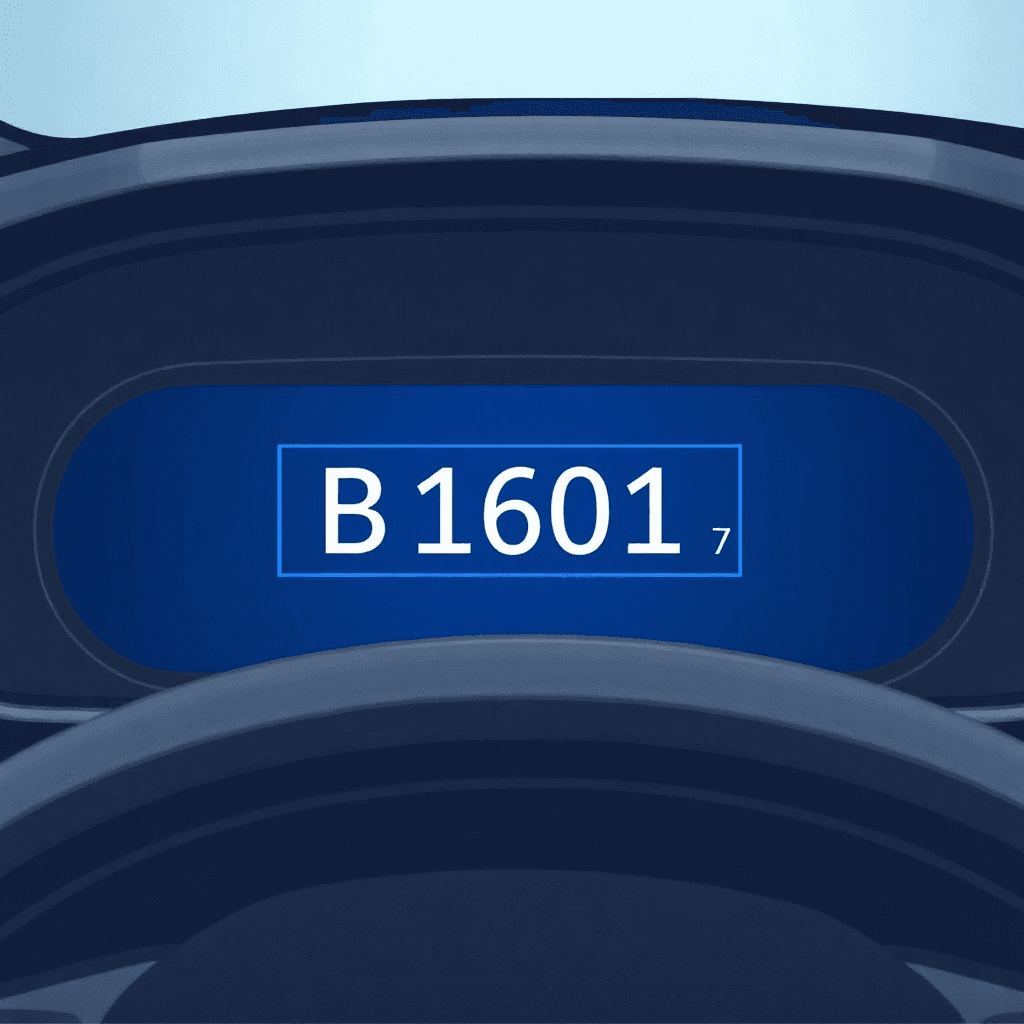
6. Finally, start the vehicle and ensure that the airbag warning light on the dashboard resets. This indicates that the crash data has been successfully cleared from the airbag module.
Precautions to Take
When clearing crash data from the airbag module, it is crucial to take certain precautions to prevent any mishaps. Ensure that the vehicle’s ignition is turned off before connecting or disconnecting the diagnostic scanner. Additionally, follow the manufacturer’s instructions carefully to avoid damaging the airbag system. If you are unsure about any step in the process, seek professional assistance to avoid any potential safety hazards.
Conclusion
Clearing crash data stored in the airbag module is a crucial step in maintaining the safety and functionality of your vehicle’s airbag system. By following the steps outlined in this guide and taking the necessary precautions, you can ensure that the airbag module is operating correctly and that your vehicle is safe to drive. Remember to clear crash data whenever necessary to stay compliant with regulations and ensure your safety on the road.