How to Use a Bluetooth OBD-II Adapter to Review Stored and Pending Codes
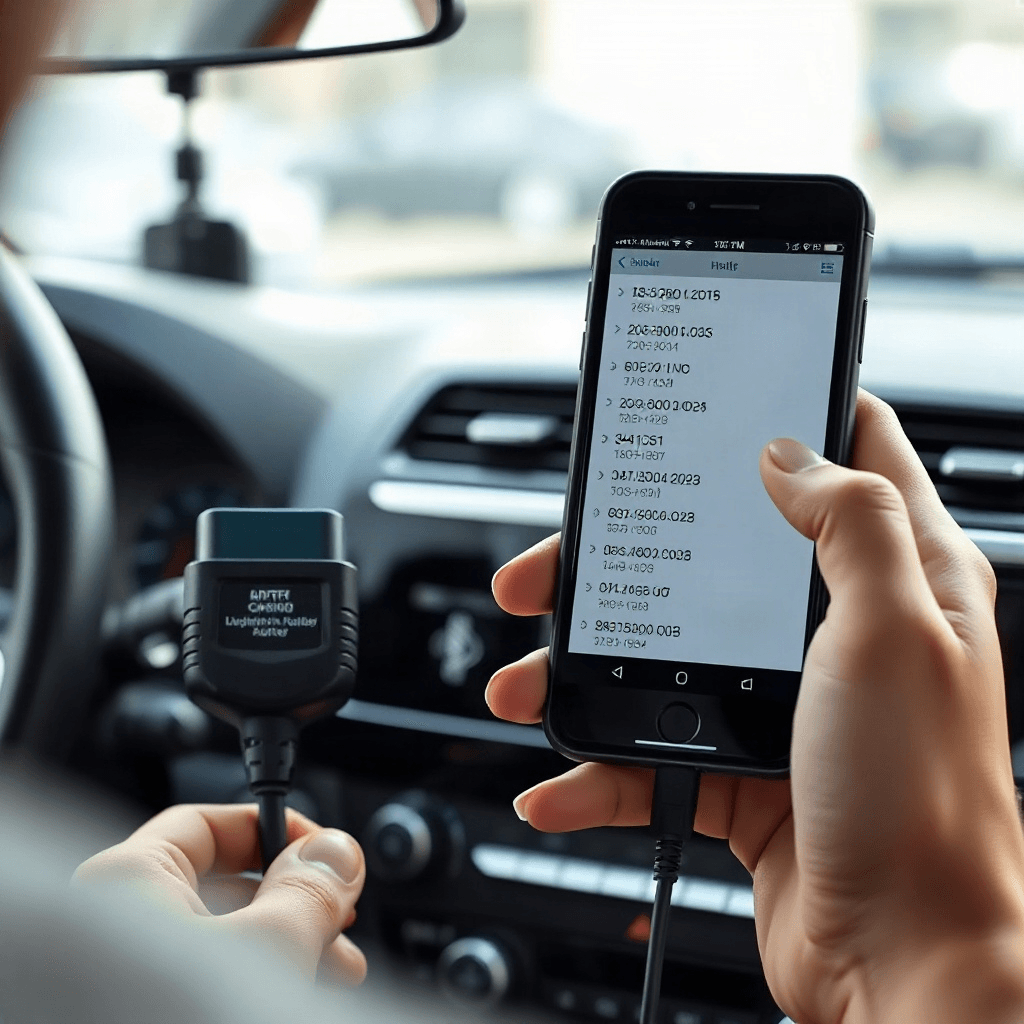
In the ever-evolving world of automotive technology, understanding your vehicle’s health has never been more accessible, thanks to the innovation of Bluetooth OBD-II adapters. These compact devices have revolutionized the way drivers interact with their vehicles, allowing them to diagnose, monitor, and troubleshoot issues with ease. By simply plugging the adapter into the OBD-II port of your car and connecting it to your smartphone, you gain a portal into the intricate workings of your vehicle’s systems. This article will guide you through the process of using a Bluetooth OBD-II adapter to review both stored and pending codes, illuminating the path to becoming a more informed driver.
Understanding the Basics of OBD-II Technology
The On-Board Diagnostics II (OBD-II) system is a standardized protocol present in most vehicles manufactured after 1996. It serves as the vehicle’s communication bridge, allowing for real-time data exchange between the car’s computer and external devices. The beauty of the OBD-II system lies in its universality, providing a common language for all vehicles to report their status and diagnostic information. By utilizing a Bluetooth OBD-II adapter, you can access this wealth of data, unlocking the secrets of your vehicle’s performance and health. This connection empowers you to decipher the codes that your car’s computer generates, offering insights into potential issues that may require attention.
The Role of Bluetooth Technology in OBD-II Adapters
Bluetooth technology has transformed the way we interact with devices, and its integration into OBD-II adapters is no exception. The wireless nature of Bluetooth connectivity allows for seamless communication between the adapter and your smartphone or tablet. This eliminates the need for cumbersome cables, offering a more convenient and streamlined user experience. Once connected, the adapter transmits diagnostic information to a compatible app, enabling you to view and analyze the data in real-time. This accessibility makes it easier for even novice drivers to engage with their vehicle’s diagnostics, promoting a proactive approach to car maintenance.
Interpreting Stored and Pending Codes
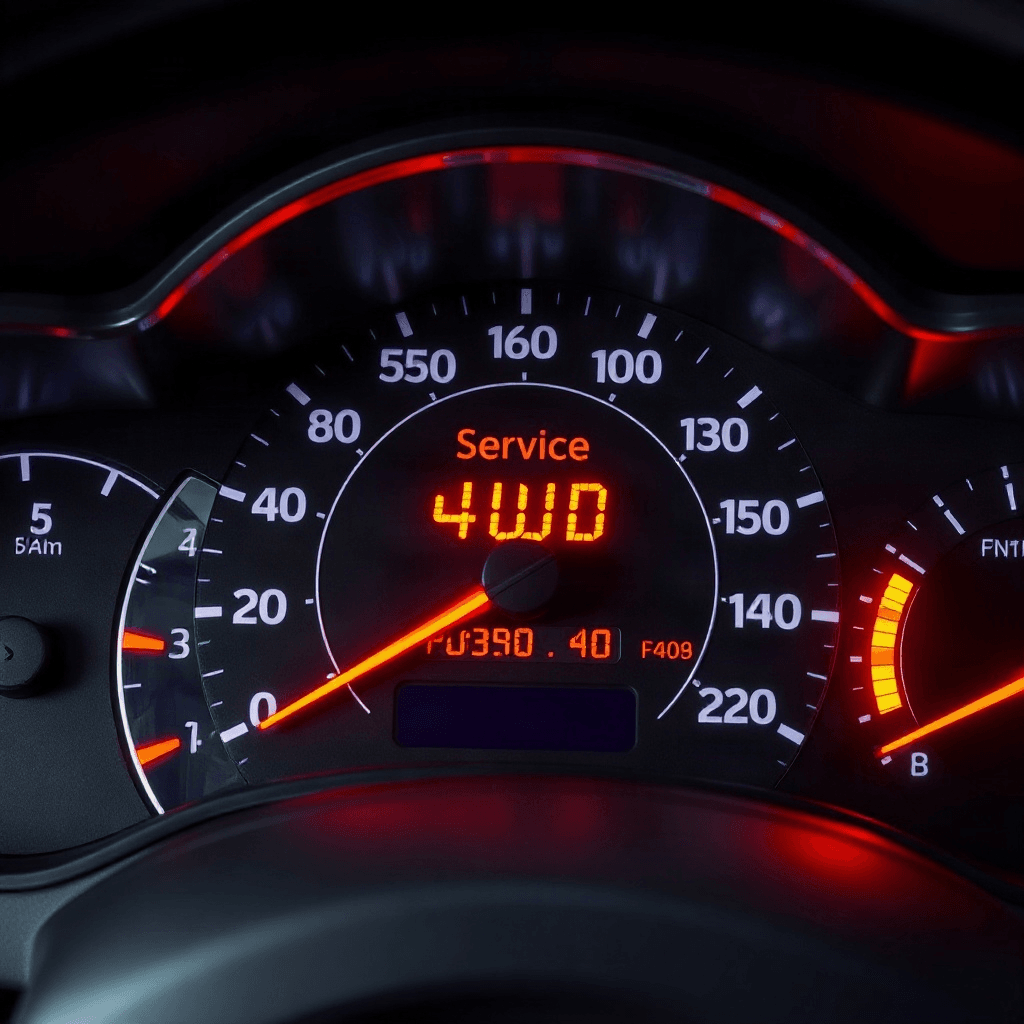
When using a Bluetooth OBD-II adapter, understanding the difference between stored and pending codes is crucial. Stored codes are generated when the vehicle’s computer detects a malfunction that has occurred consistently over a period of time. These codes are logged and can trigger the infamous “Check Engine” light. On the other hand, pending codes are indicative of potential issues that have not yet become critical. They are recorded when a fault is detected intermittently or has not yet met the criteria for a stored code. By reviewing these codes, you gain insight into both present and potential future problems, allowing for timely interventions.
The Process of Connecting and Using the Adapter
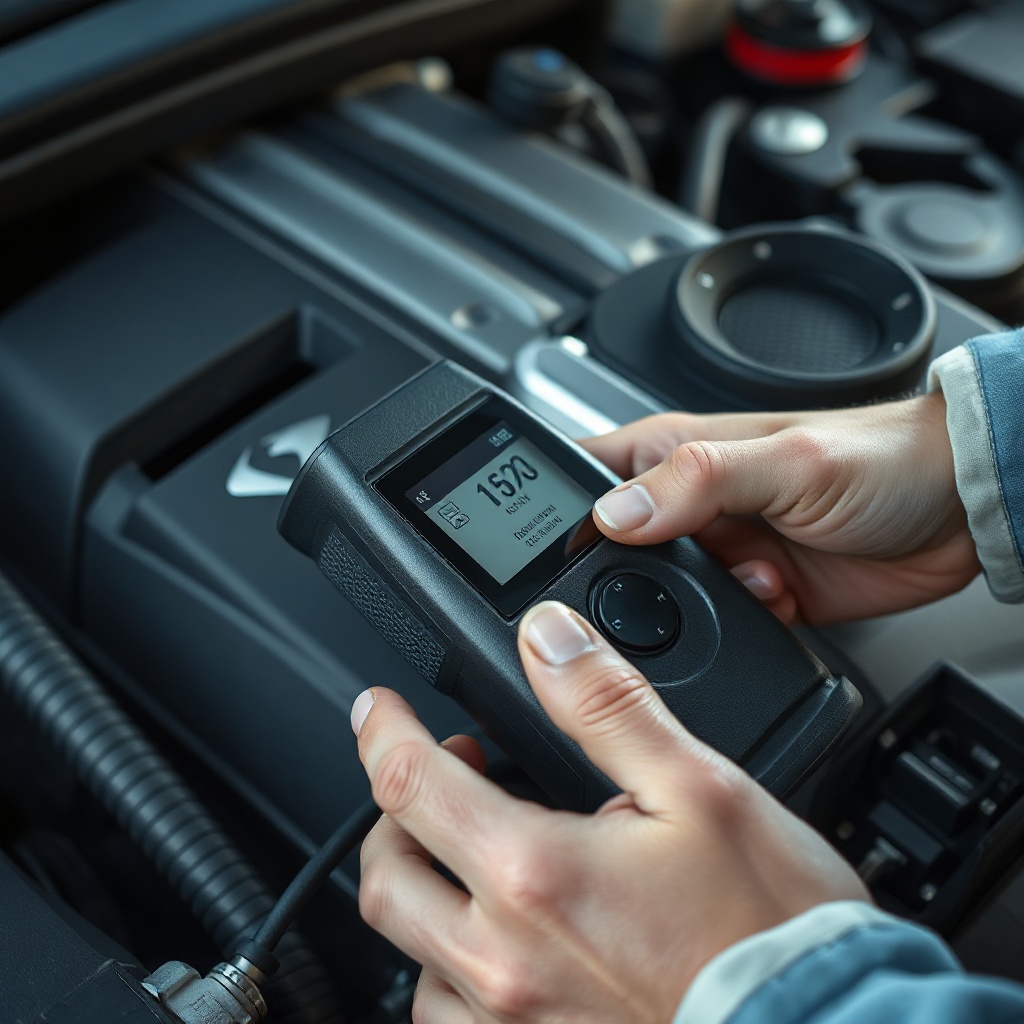
Connecting a Bluetooth OBD-II adapter to your vehicle is a straightforward process. Begin by locating the OBD-II port, typically found beneath the dashboard on the driver’s side. Once located, insert the adapter firmly into the port. Next, activate the Bluetooth function on your smartphone or tablet and pair it with the adapter. You’ll need a compatible app to interpret the data, many of which are available for free or at a nominal cost. Once connected, the app will display a range of diagnostic information, including stored and pending codes, giving you a comprehensive view of your vehicle’s health.
Troubleshooting Common Issues with Diagnostic Codes
Interpreting diagnostic codes can be daunting, but with the right tools and understanding, it becomes a manageable task. Each code corresponds to a specific issue within the vehicle, and armed with this knowledge, you can take targeted action. While some codes may indicate minor issues that require simple fixes, others may point to more severe problems necessitating professional intervention. By utilizing a Bluetooth OBD-II adapter, you empower yourself to make informed decisions about car repairs, potentially saving time and money in the process. For more detailed guidance, you might consider checking our [comprehensive car maintenance guide].
Benefits of Proactive Vehicle Diagnostics
The proactive use of a Bluetooth OBD-II adapter extends beyond immediate troubleshooting. Regular monitoring of your vehicle’s health can lead to long-term benefits, including improved performance, increased fuel efficiency, and extended vehicle lifespan. By addressing issues as they arise and maintaining a vigilant eye on diagnostic codes, you can prevent minor problems from escalating into costly repairs. This foresight not only enhances your driving experience but also contributes to the overall safety and reliability of your vehicle.